OP

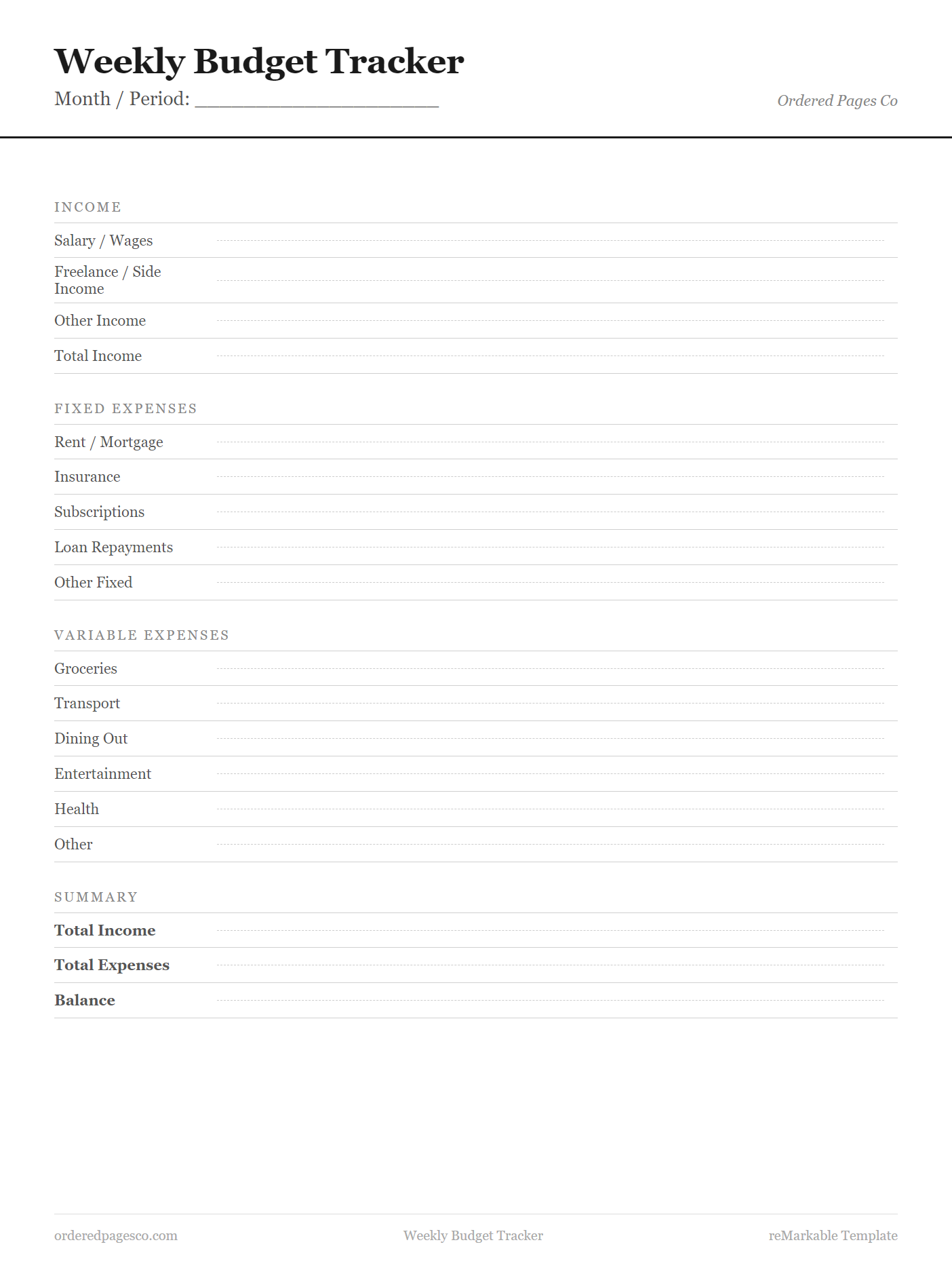
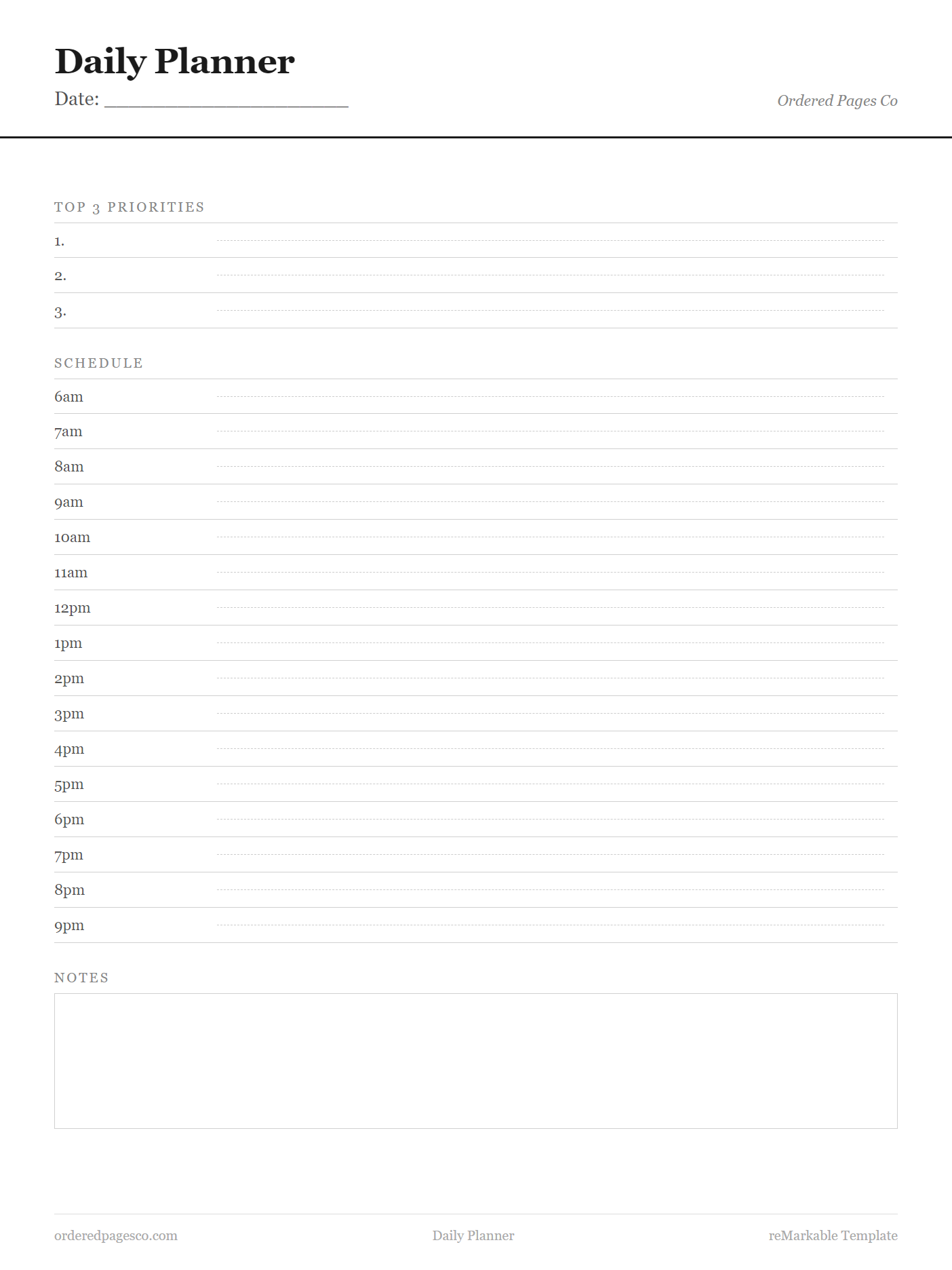
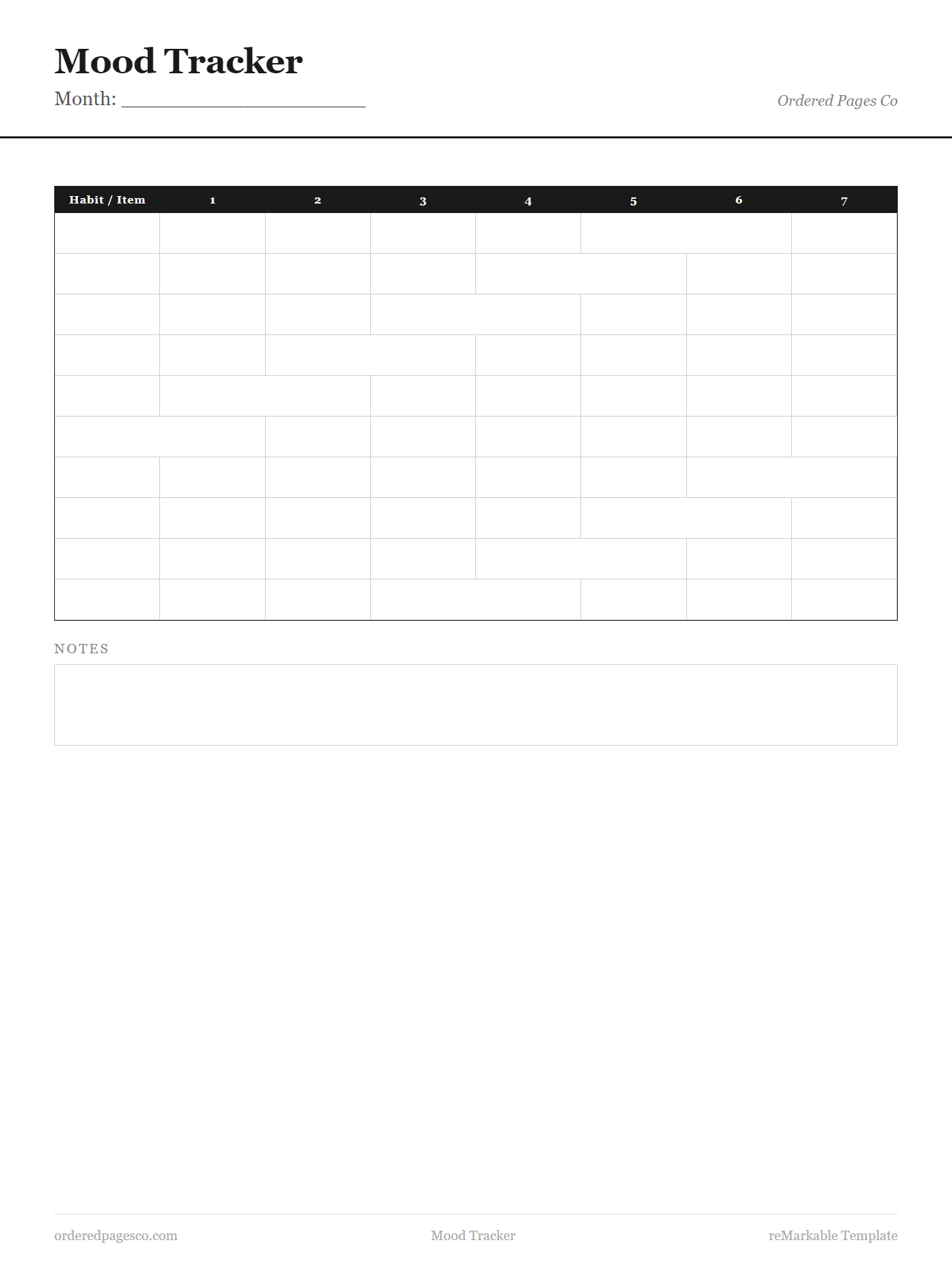
30 Free Templates for Your reMarkable

Budget · Planner · Wellness — No sign-up, instant download

Browse All 30 Templates Download Free on Gumroad
reMarkable Compatible GoodNotes & Notability Instant Download No Sign-Up Required
Simple Process

How It Works

1

Browse & Choose

Browse 30 free templates across budgeting, planning, and wellness. Every template is designed specifically for e-ink screens.

2

Download Instantly

No account needed. Click download, get your PNG file immediately. Compatible with reMarkable, GoodNotes, Notability, and more.

3

Import & Write

Import the PNG as a custom template on your device. Open a new notebook on top of it and start writing. Takes under two minutes.

Step-by-step setup guide →

Browse by Category

Find the Right Template

Learn

Guides & Tips

Getting Started

How to Add Custom Templates to Your reMarkable

A clear step-by-step walkthrough for importing PNG templates via the reMarkable desktop app or USB.

Read guide →

Budgeting

Digital Budgeting on reMarkable: A Complete Guide

Why handwriting your budget beats spreadsheets, and which templates to use for each scenario.

Read guide →

Comparison

reMarkable vs GoodNotes vs Notability in 2026

Which app is best for digital planning? We break down templates, usability, and long-term value.

Read guide →

View all guides

Questions

Frequently Asked Questions

Are these templates really free? +

Yes, all 30 templates are completely free with no sign-up, no email required, and no strings attached. Download them directly from our Gumroad page. We may offer premium hyperlinked PDF bundles in the future, but the core PNG templates will always be free.

What devices are compatible? +

Our templates work on reMarkable 2, reMarkable Paper Pro, Supernote A5X, BOOX devices, GoodNotes 5 & 6, Notability, and any app that supports PNG import. They are designed at 1404×1872px — native reMarkable resolution — so they are pixel-perfect on reMarkable devices and scale well on all others.

How do I add a template to my reMarkable? +

Download the PNG, then open the reMarkable desktop app on your computer. Go to your documents, create a new notebook, and import the PNG as a template via the app's template manager. Our full step-by-step guide covers both the desktop app method and the direct USB/SSH method. Read the guide here.

Can I use these for commercial purposes? +

Templates are licensed for personal use only. You may not redistribute, resell, or claim them as your own work. If you are a business wanting to use them internally, that is fine — just do not resell or repackage them.

Will you add more templates? +

Yes. We currently have 30 templates across three categories and plan to expand to 60+ over 2026. Future additions will include meal planning bundles, study templates, and project management layouts. Follow us on Pinterest or check back regularly.

Also available on

Shop our full collection on Etsy

Visit Etsy Shop